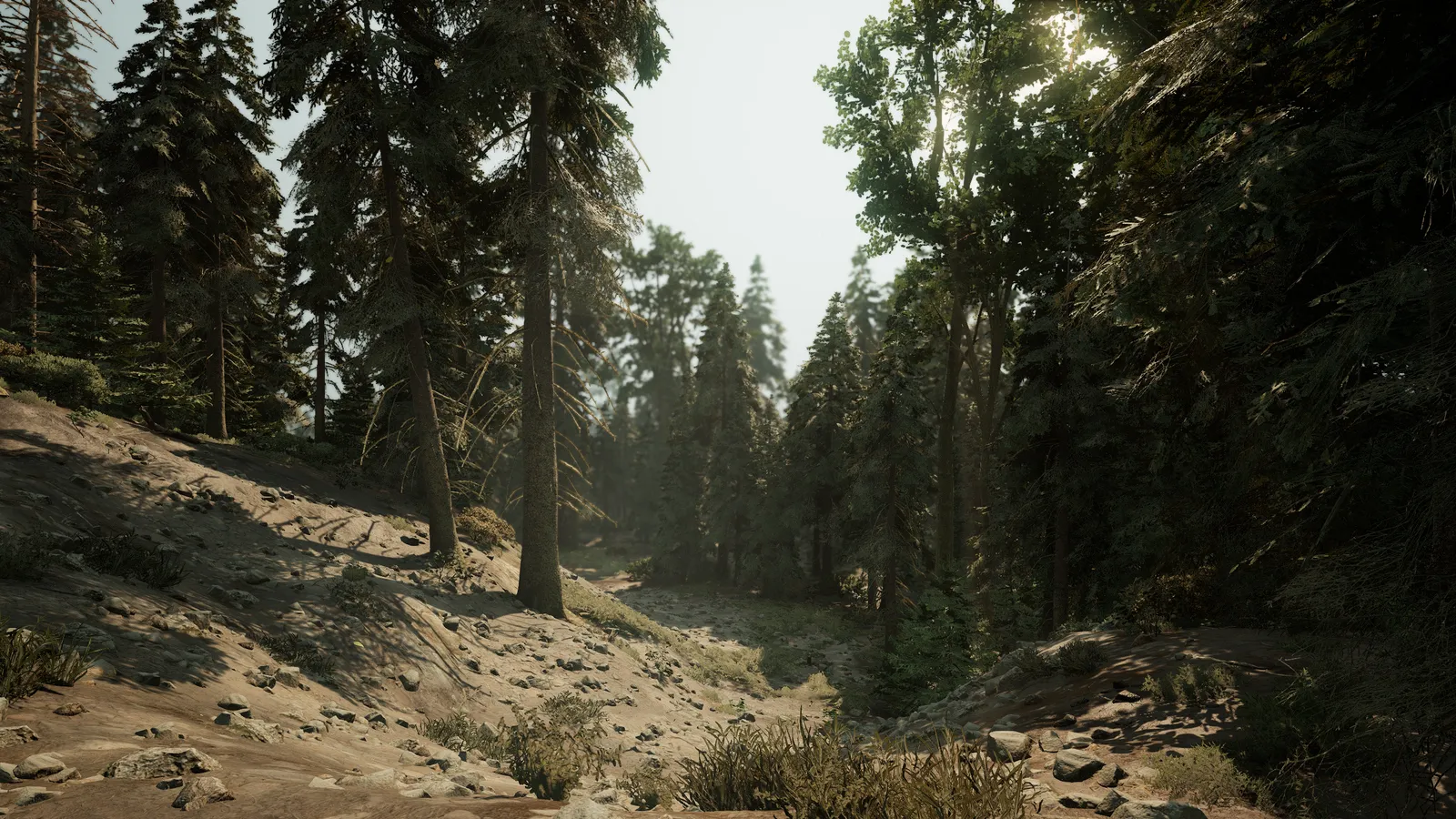
Rosa Update: April 14, 2026
Every reserve starts somewhere. This is where ours did.
Characters, nests and family lines
The first Rosa bot brought your characters into Discord. The /character command made, edited, listed and deleted them. Each one got a species, a name, a dominant skin, up to four hidden skins and a few traits.
Rosa Terminal
Parents could open a nest and pass on their skins and traits. Parents started one with /nest start and entered what they carried. Other players joined as babies, picked a name and a gender, and rolled for what they inherited.
Rosa Terminal
You could roll for a mutation every three hours. The /mutation roll command gave you a 5 percent chance, and a moderator applied the skin when you got one. The /mutation cooldown command told you when to try again.
Rosa Terminal
Family trees showed up to four generations. The /familytree command listed a character’s parents, children and siblings, as text or as a picture. Handy for settling who’s related to whom.
Rosa Terminal
An inventory stored your nesting items. The /inventory view command listed what you had and what each item did. Some items raised the chance of a mutation when you used them in a nest.
Rosa Terminal
A home on the web
The Reserve got its first website at rosarealism.com. The front page said what the Reserve is about, showed a gallery of screenshots and listed the herbivores and carnivores you could play.
Website
You could sign in to the site with your Discord account. The button was in the menu at the top of every page. Signing in took you to your own dashboard, with your Discord name and picture.
Website
A failed sign-in told you what to try next. The page gave the reason in plain words, a few things to check, and a button to try again.
Website
Our terms of service and privacy policy got their own pages. Links to both were at the bottom of the site.
Website
The site followed your light or dark setting. It picked its look from the setting on your phone or computer. Easy on the eyes after dark.
Website
Odds and ends
You could type commands in the game chat. Typing !help showed the list. You could check how many players were online, read the rules with !rules, get the Discord link with !discord and see where you were with !loc.
Rosa Terminal
The !report command sent a report from the game straight to staff. If you saw someone break the rules, you could tell us without leaving the game.
Rosa Terminal
The /roll command rolled dice for you. One die or a handful, with as many sides as you liked.
Rosa Terminal
The /avatar command showed a member’s profile picture. Handy when the little circle next to a name isn’t enough.
Rosa Terminal
Looking for the fixes too? Read the patch notes.