Hover over someone's badge to see a short line, or press it to open a card with the emblem and a sentence or two. Every rank and team job now explains itself.
Community
The Rosa Staff badge shows its emblem in the sprout list too
It used to show only on a sprout's page. It now shows in the list as well.
New
The page editor groups uploading and choosing pictures
Everything you upload is now in one card, and every choice about what your page shows is in the next. Before, the two were mixed together down the screen.
Web buddies and backgrounds upload to the right place
Both were landing in your gallery and taking up gallery slots. They now have their own: 5 banners, 3 web buddies, 2 backgrounds and 3 gallery pictures.
Fixed
A full upload slot tells you which kind is full
Running out of web buddy slots used to say your page was full, so people deleted gallery pictures for nothing. The message now names the kind you were uploading.
For a few hours, everyone on the team showed as Backstage. Badges now show the specific job again, like illustrator or curator, and only show Backstage if there's nothing more specific.
The team now writes editions, with the newest one at the top. Each has its own page and link, and sharing a link shows its cover picture and opening line.
Community
Every role now has its own emblem
The badge under someone's name shows the emblem for their role, like a rose for a founder or a palette for illustrators. It shows on their page and in the sprout list.
Characters
You can choose to show retired characters on a page
A link above the character list on someone's page shows or hides retired ones. Their pages now open for everyone, so family trees can link back through them.
Characters
Characters are no longer deleted, only retired
Retiring takes a character off your page and can be undone. To delete one for good, open a ticket, because deleting it also removes it from other people's family trees.
New
Supporters and staff can upload their own page background
The Reserve scenery is still there for everyone. Supporters and staff can upload up to 2 of their own, and staff review them first. Pictures that are calm in the middle work best.
New
Supporters and staff can add a web buddy to their page
Put a cut-out drawing of yours in the left or right corner of your page, and it stays there as you scroll. GIFs and animated PNGs up to 3 MB keep moving. Staff review it first.
Fixed
Animated web buddies are hidden if you turn off motion
If your device is set to reduce motion, animated web buddies aren't shown to you. Still ones are shown as usual.
Fixed
Animated pictures keep moving after upload
Large animated PNGs and WebPs used to turn into still pictures on a white square. They now keep moving, and one that's too large is refused with a reason.
A dark stripe ran across every banner on the front page. The shading now fades up from the bottom behind the heading, and the rest of the photo stays clear.
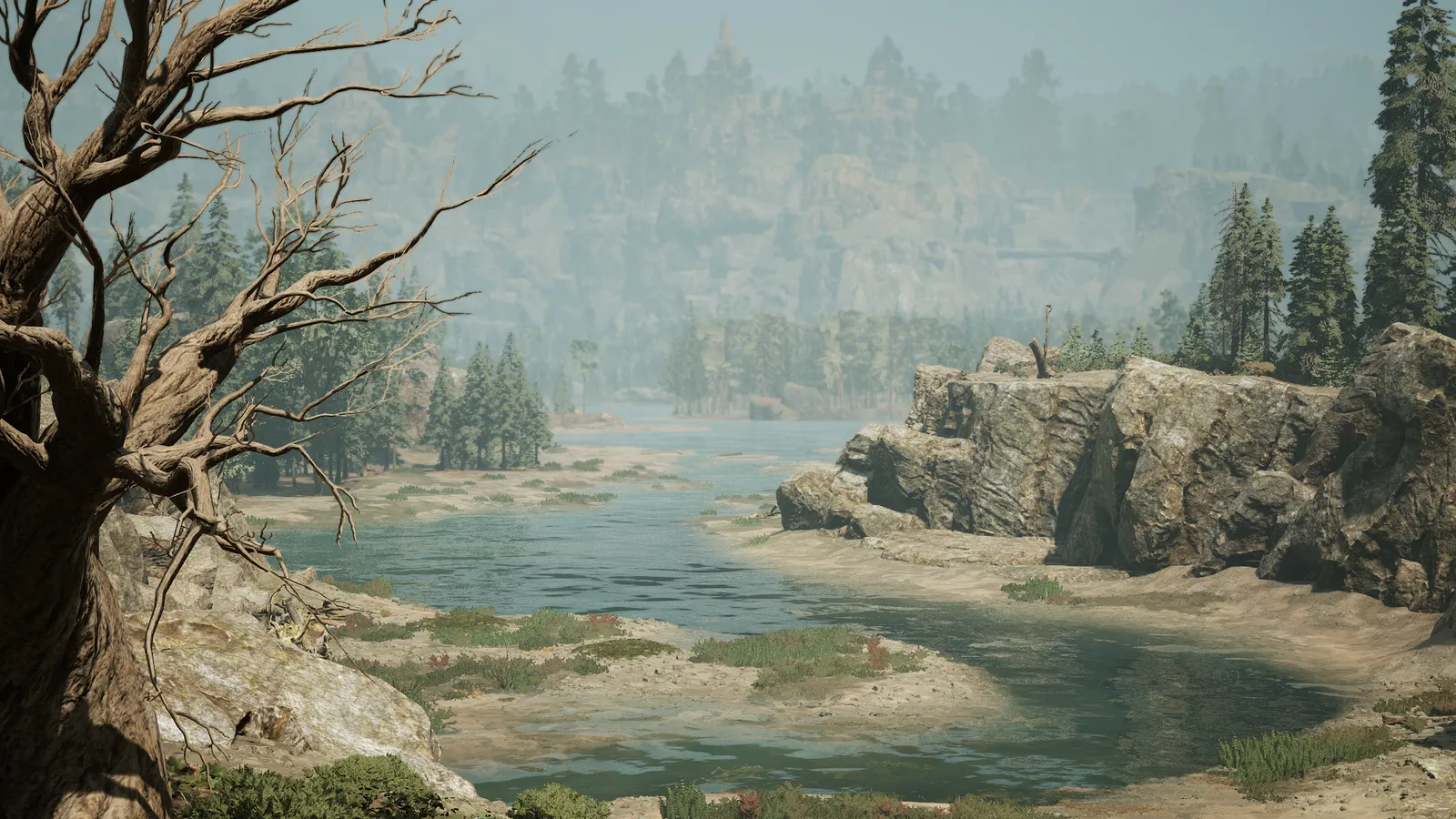
Pick from 10 scenes from the front page gallery, from a misty lake to a redwood forest. The picture stays still as you scroll, and your writing sits on a panel so it's easy to read.
Pictures posted in a ticket stay in the transcript
Fixed
Pictures in a ticket stay visible in the transcript
Ticket transcripts used to link to Discord files that expire within a day, so pictures showed as broken. Files are now saved when they're posted, and a missing one explains why.
Searching the game logs by Alderon ID finds the rows
Privacy
Expired sign-ins are now deleted
Closing your browser left an expired sign-in stored forever. The weekly cleanup now deletes expired sign-ins, unfinished account links and unused growth codes.