Rosa Update: August 28, 2026
Grab a brush, your page is yours to paint.
Make your page your own
You can style your page without writing any code. Pick one of 6 ready-made looks or 14 color themes, then a page shape, from ruled paper to a printed chapter. A preview at the top updates with every choice.
Website
Your name can have its own style. Choose a font, then a gradient, glow, outline or shadow. Every option previews your real name, so you don’t have to guess what Carved looks like.
Website
You can write your own stylesheet and watch your page change as you type. The name of every part of the page is listed next to the box. Anything the site can’t accept is named right away.
Website
You can save up to 5 layouts and switch between them. Try something new without losing the design you like. A switch turns your own stylesheet off and back on without deleting a line of it.
Website
You can upload a banner and frame it yourself. Drag and zoom to pick what shows, and reframe it later without sending it back for review. Keep up to 5 and switch between them.
Website
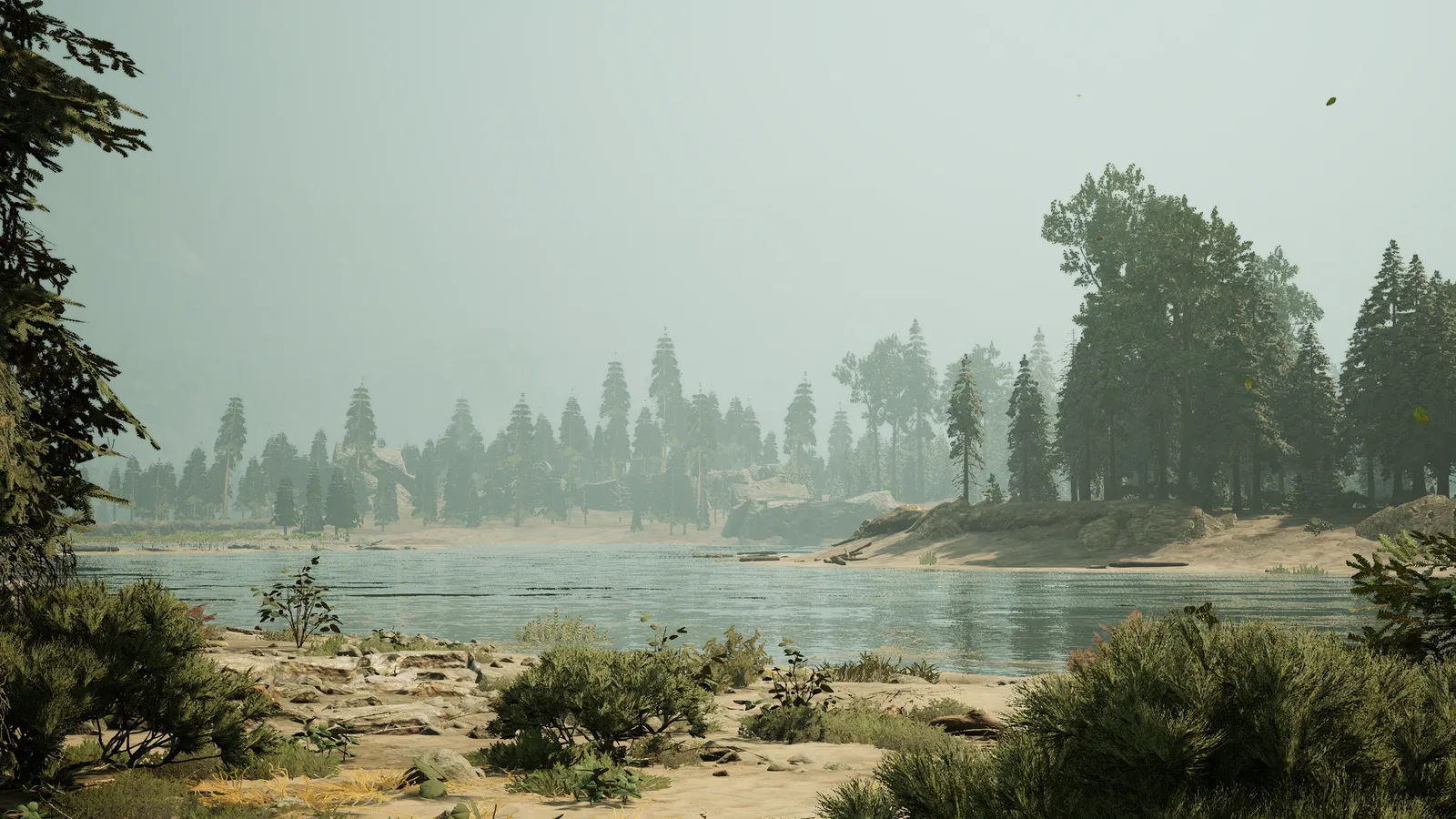
You can put a picture of the Reserve behind your page. Pick one of 10 scenes, from a misty lake to a redwood forest. Two sliders set how solid the panel over it is and how blurred the picture gets.
Website
Company on your page
People can leave a comment on your page, and it only shows once you approve it. You can also decline it without the writer being told, or hand it to staff. Rather have peace and quiet? Close your page to new comments.
Website
You can react to somebody’s page and to the comments on it. Start up to 3 reactions of your own and join as many others as you like. Rosa has its own emoji in the picker too. Reactions have their own off switch.
Website
Supporters and staff can put a web buddy in the corner of their page. It’s a cut-out drawing that stays put while the page scrolls, and pointing at it shows its caption. They can also bring their own picture for behind the page.
Website
You can place your own pictures inside what you write. Copy the line shown under a picture and paste it where you want it. Before, pictures only showed in a row at the bottom.
Website
Formatting works the way it does in Discord. Asterisks for italic and bold, underscores to underline, and -# at the start of a line for small text. Formatting can go inside other formatting now, too.
Website
Your page shows your team job and a badge with its own emblem. Illustrators and event hosts no longer show up as plain Sprouts. Press any badge to read what that role does, like the rose for a founder.
Website
Characters, and a word from the game
Every character has a page of its own. It leads with the character’s picture, then its species, skins, hatch date, parents and story.
Website
Retired characters and characters that died can stay on your page. Anyone reading it can show or hide them with one link. Their pages stay open, so family trees can still link back through them.
Website
You can retire a character yourself, and deleting one for good goes through a ticket. Retiring can be undone. Deleting also takes a character out of other people’s family trees, so staff handle that part.
Website
You can ask the game how your character is doing by typing a command in chat. How hungry, really? Type !hunger and the answer is whispered back. Thirst, stamina, health, growth, playtime and the season work too, and !commands lists them all.
Website
A genetics roll can leave out skins most players can’t use. One switch skips paid, referral, personal, partner and bug tracker skins. The result says which ones it skipped.
Rosa Conservatory
When you’re added to the registry, a second message explains how to link your account. It lists four steps in order, including the one people miss most: stay logged in to the game server while you run the command.
Rosa Terminal
Smaller things around the Reserve
The whole site has a fresh, warmer look. Clearer text, calmer colors and layouts that work on a phone. The theme button can follow your device, so the site goes dark when your phone does.
Website
The Reserve has a news page, with editions written by the team. The front page shows the newest edition and the next event near the top, and says right away whether applications are open.
Website
The site asks before you leave a page with unsaved changes. Every text box also shows how much room is left, so the end of a long one doesn’t get cut off when you save.
Website
Every upload shows a progress bar. No more staring at a form that looks frozen and pressing the button twice.
Website
An event in a voice channel now gets a join button in Discord. Event pictures show in Discord too, framed the same way as on the site.
Website · Rosa Terminal
Your page no longer asks for your birthday. The birthday box and the age it showed are gone from the editor. Birthdays people had already entered have been deleted.
Website
Looking for the fixes too? Read the patch notes.